
diff options
| author | Junegunn Choi <junegunn.c@gmail.com> | 2024-06-03 09:41:40 +0900 |
|---|---|---|
| committer | Junegunn Choi <junegunn.c@gmail.com> | 2024-06-03 09:41:40 +0900 |
| commit | d453e6d7db21f098311bd207be5f53b803fd5b0c (patch) | |
| tree | 468069ea658c1ea1878a7b03930cc0aecaebb179 /ADVANCED.md | |
| parent | c29533994f656f34de37ca639b0abca486f5dd7f (diff) | |
| download | fzf-d453e6d7db21f098311bd207be5f53b803fd5b0c.tar.gz | |
Update ADVANCED.md: Use --tmux instead of fzf-tmux
Diffstat (limited to 'ADVANCED.md')
| -rw-r--r-- | ADVANCED.md | 72 |
1 files changed, 35 insertions, 37 deletions
diff --git a/ADVANCED.md b/ADVANCED.md index 2288f3de..a5134aa0 100644 --- a/ADVANCED.md +++ b/ADVANCED.md @@ -1,18 +1,17 @@ Advanced fzf examples ====================== -* *Last update: 2024/01/20* -* *Requires fzf 0.46.0 or above* +* *Last update: 2024/06/03* +* *Requires fzf 0.53.0 or later* --- <!-- vim-markdown-toc GFM --> * [Introduction](#introduction) -* [Screen Layout](#screen-layout) +* [Display modes](#display-modes) * [`--height`](#--height) - * [`fzf-tmux`](#fzf-tmux) - * [Popup window support](#popup-window-support) + * [`--tmux`](#--tmux) * [Dynamic reloading of the list](#dynamic-reloading-of-the-list) * [Updating the list of processes by pressing CTRL-R](#updating-the-list-of-processes-by-pressing-ctrl-r) * [Toggling between data sources](#toggling-between-data-sources) @@ -63,7 +62,7 @@ learn its wide variety of features. This document will guide you through some examples that will familiarize you with the advanced features of fzf. -Screen Layout +Display modes ------------- ### `--height` @@ -104,56 +103,55 @@ Define `$FZF_DEFAULT_OPTS` like so: export FZF_DEFAULT_OPTS="--height=40% --layout=reverse --info=inline --border --margin=1 --padding=1" ``` -### `fzf-tmux` +### `--tmux` -Before fzf had `--height` option, we would open fzf in a tmux split pane not -to take up the whole screen. This is done using `fzf-tmux` script. +(Requires tmux 3.3 or later) + +If you're using tmux, you can open fzf in a tmux popup using `--tmux` option. ```sh -# Open fzf on a tmux split pane below the current pane. -# Takes the same set of options. -fzf-tmux --layout=reverse +# Open fzf in a tmux popup at the center of the screen with 70% width and height +fzf --tmux 70% ``` -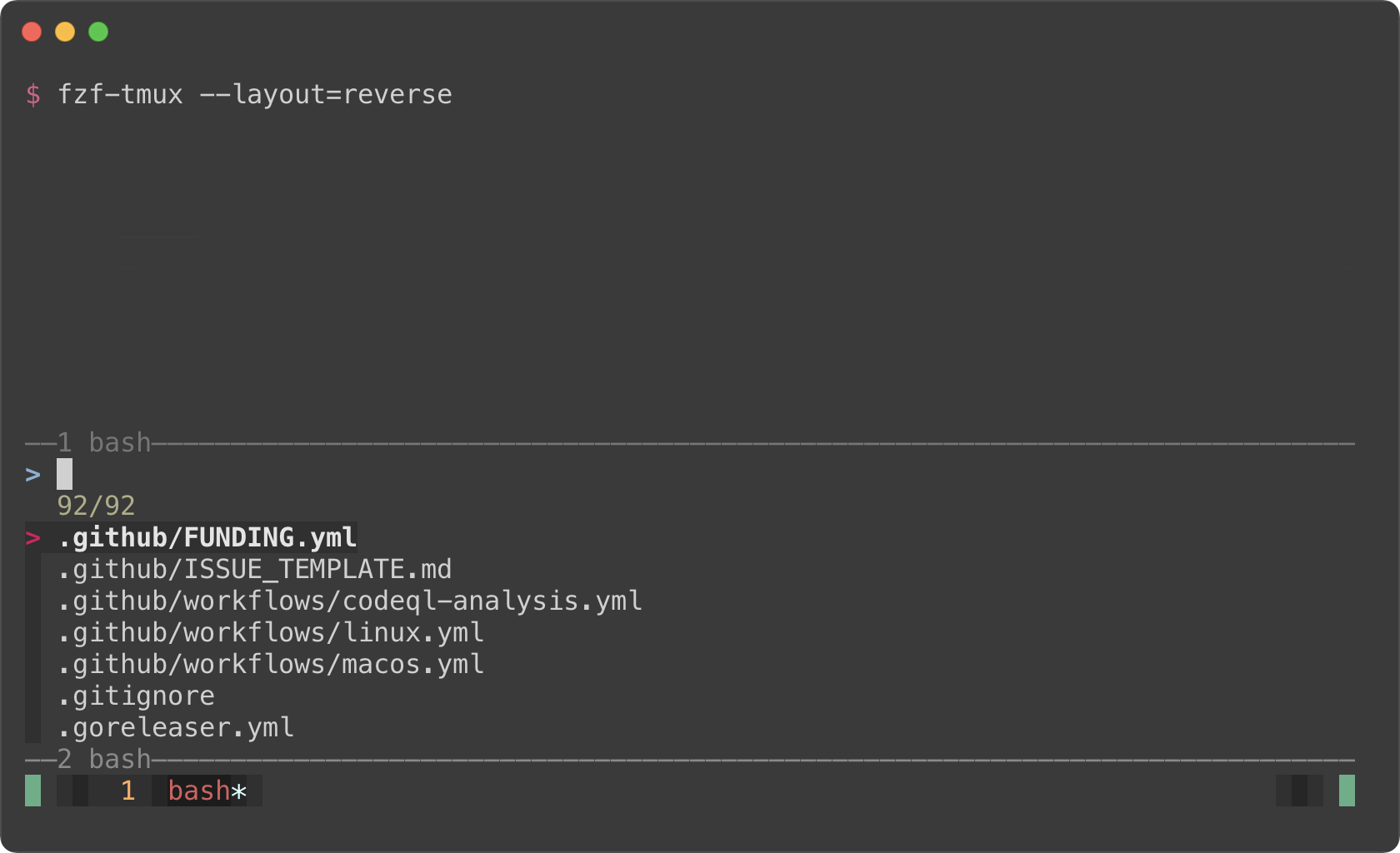 +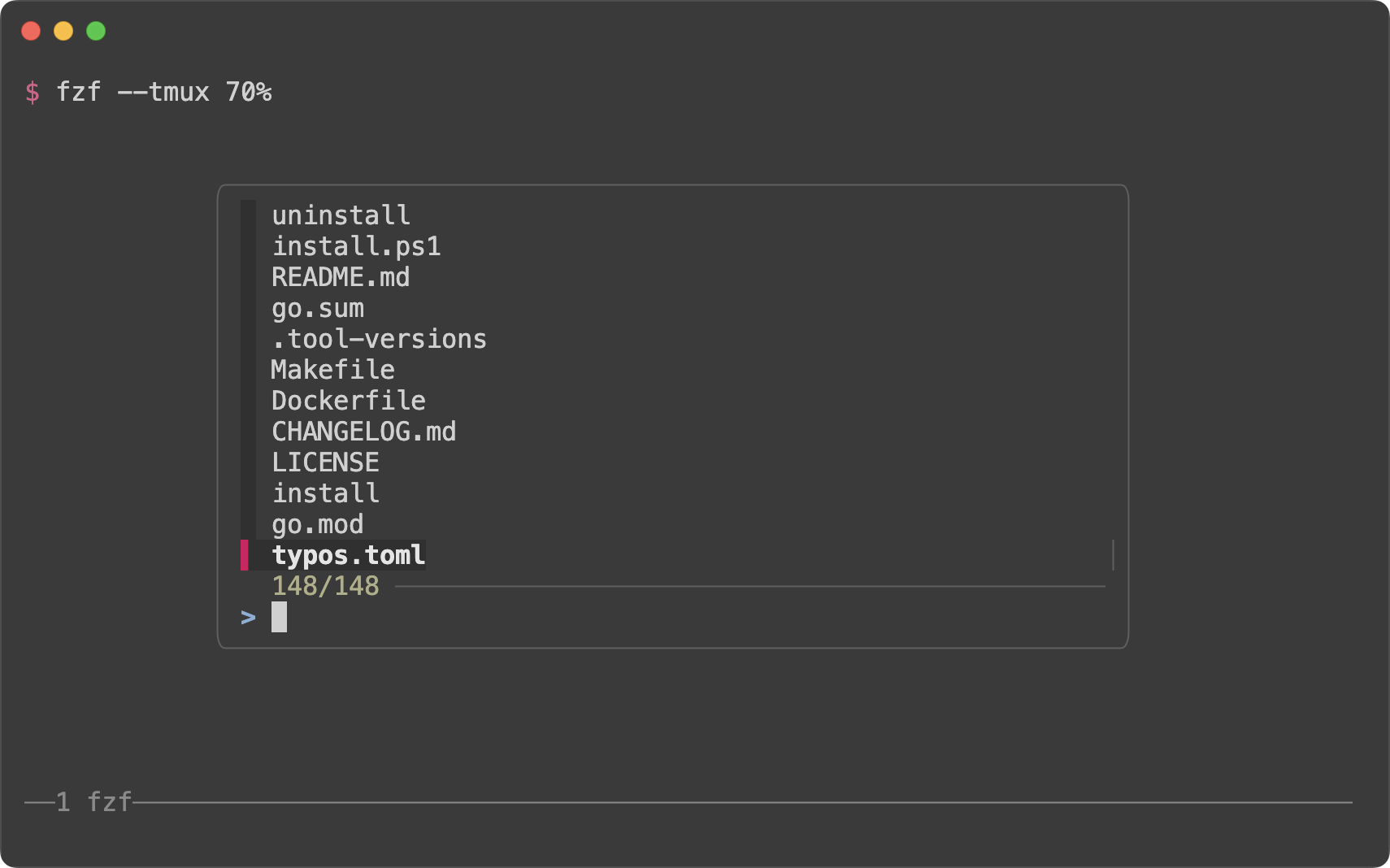 -The limitation of `fzf-tmux` is that it only works when you're on tmux unlike -`--height` option. But the advantage of it is that it's more flexible. -(See `man fzf-tmux` for available options.) +`--tmux` option is silently ignored if you're not on tmux. So if you're trying +to avoid opening fzf in fullscreen, try specifying both `--height` and `--tmux`. ```sh -# On the right (50%) -fzf-tmux -r - -# On the left (30%) -fzf-tmux -l30% - -# Above the cursor -fzf-tmux -u30% +# --tmux is specified later so it takes precedence over --height when on tmux. +# If you're not on tmux, --tmux is ignored and --height is used instead. +fzf --height 70% --tmux 70% ``` -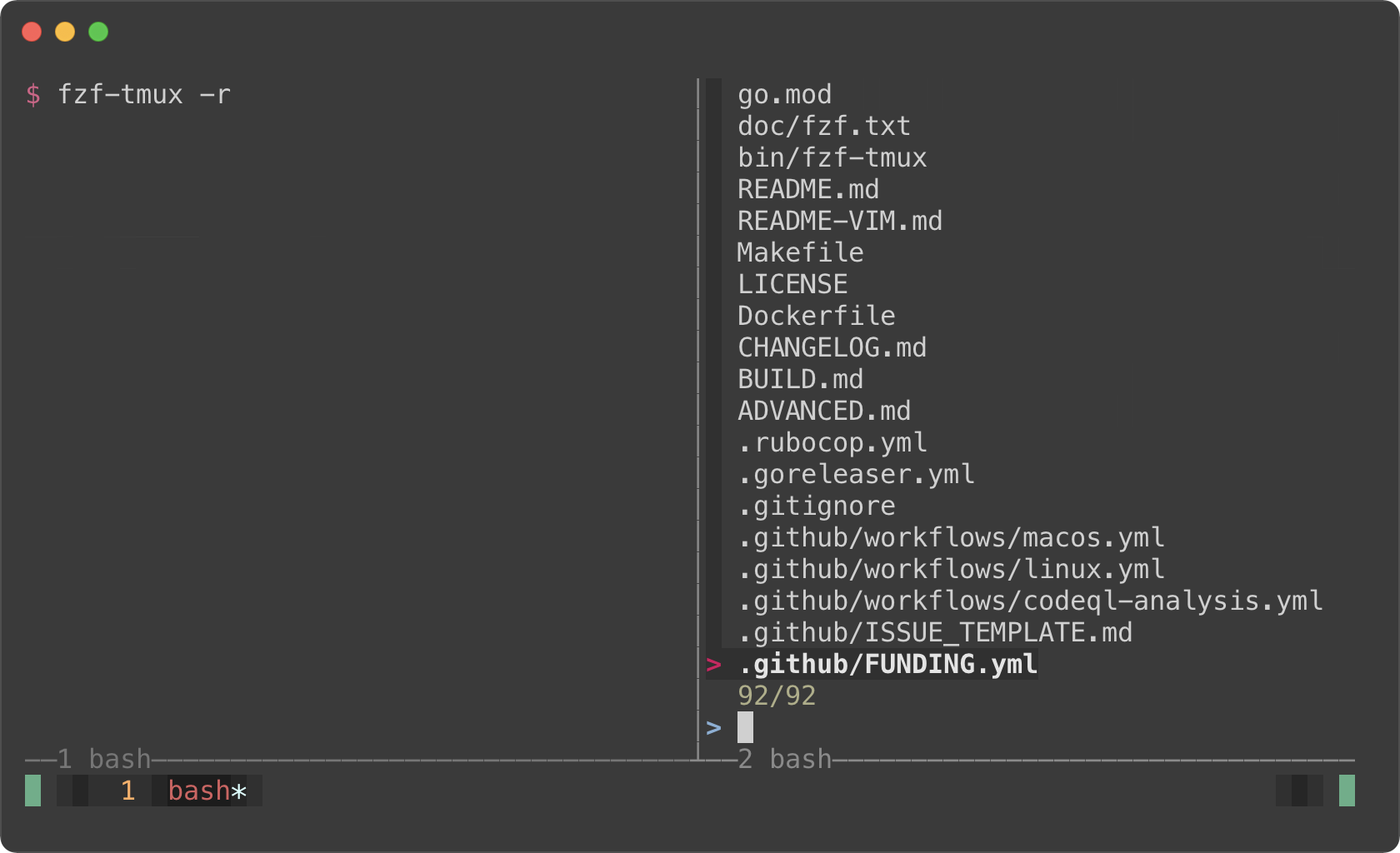 +You can also specify the position, width, and height of the popup window in +the following format: -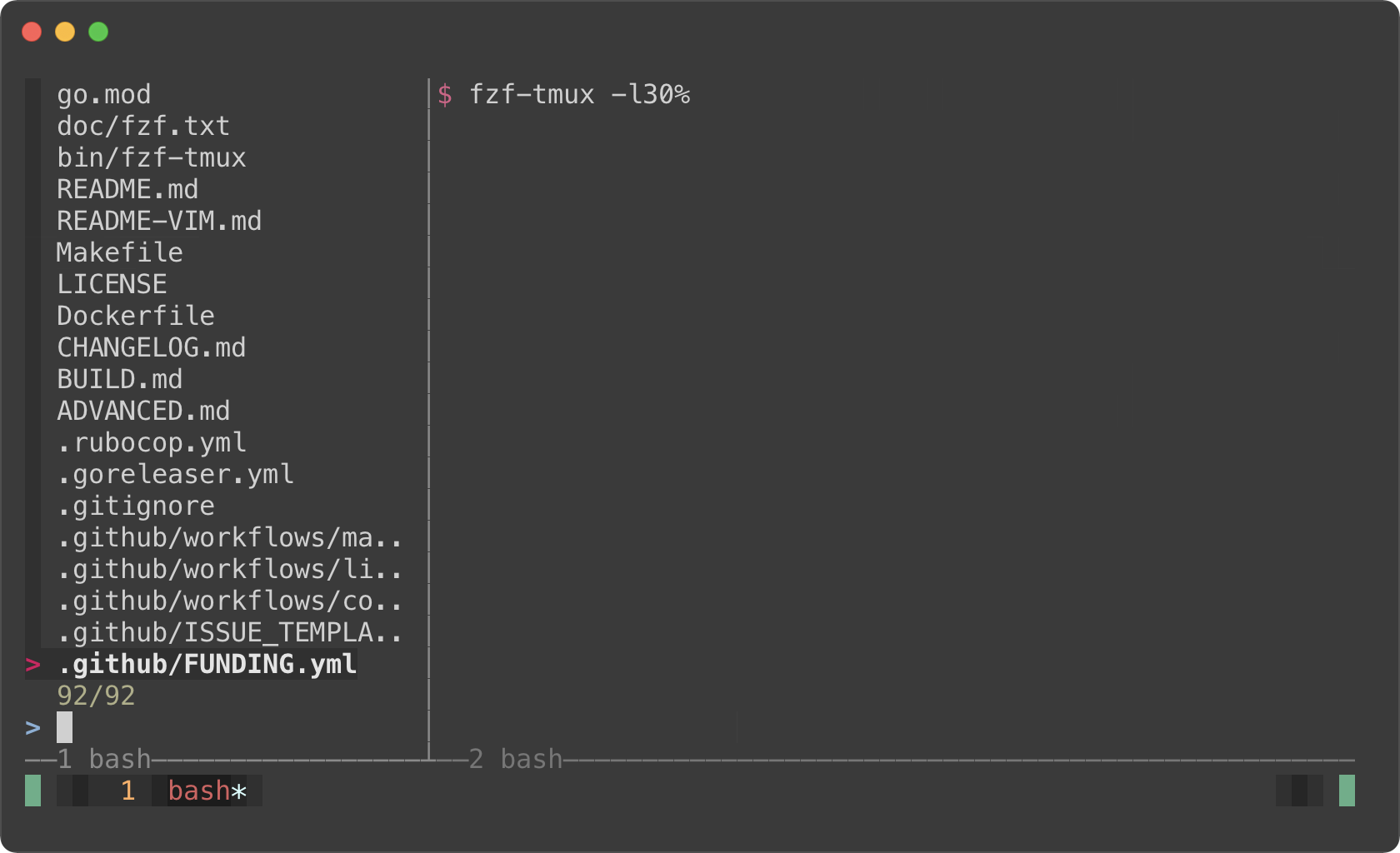 +* `[center|top|bottom|left|right][,SIZE[%]][,SIZE[%]]` - - -#### Popup window support +```sh +# 100% width and 60% height +fzf --tmux 100%,60% --border horizontal +``` -But here's the really cool part; tmux 3.2 added support for popup windows. So -you can open fzf in a popup window, which is quite useful if you frequently -use split panes. +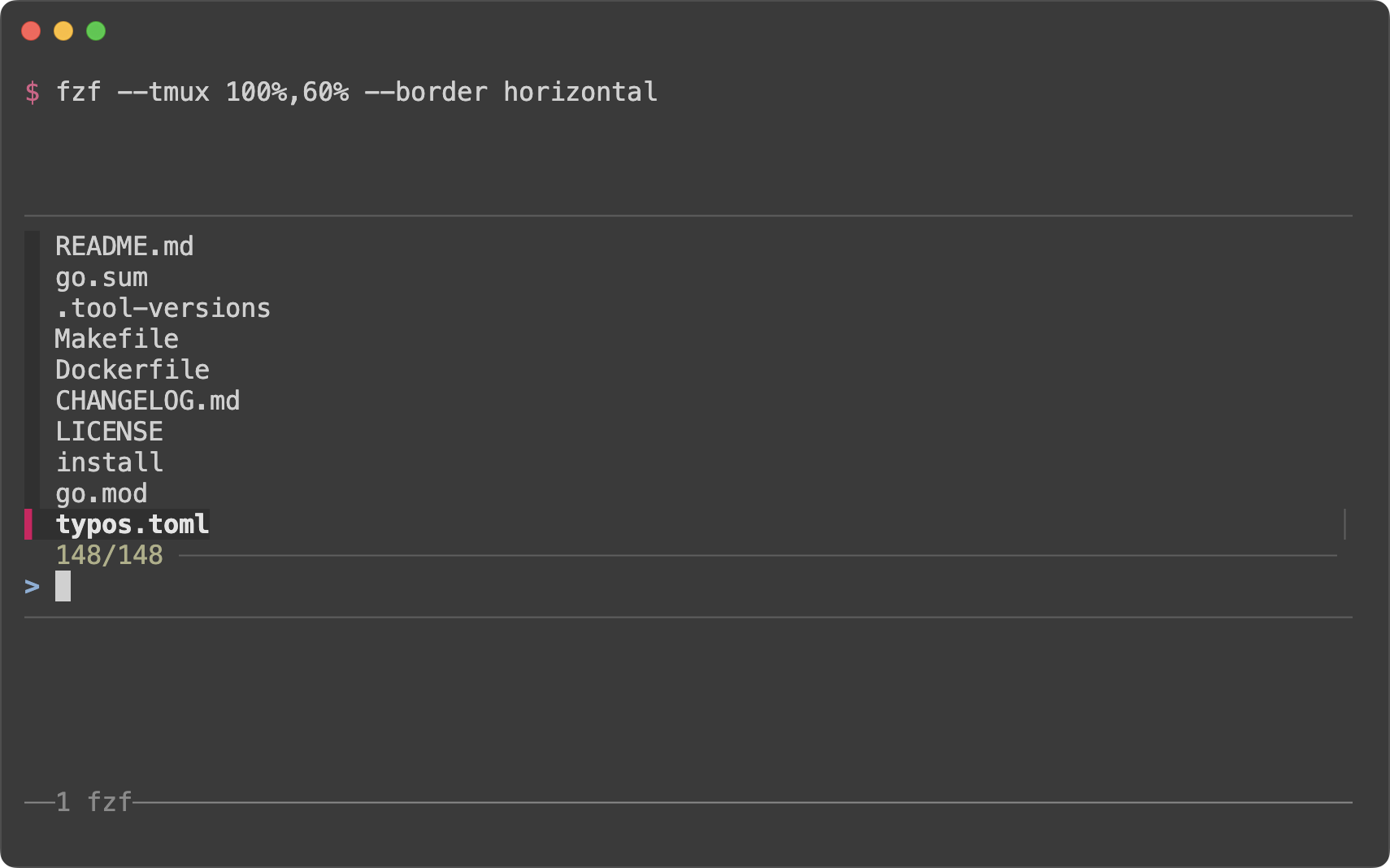 ```sh -# Open tmux in a tmux popup window (default size: 50% of the screen) -fzf-tmux -p +# On the right (50% width) +fzf --tmux right +``` -# 80% width, 60% height -fzf-tmux -p 80%,60% +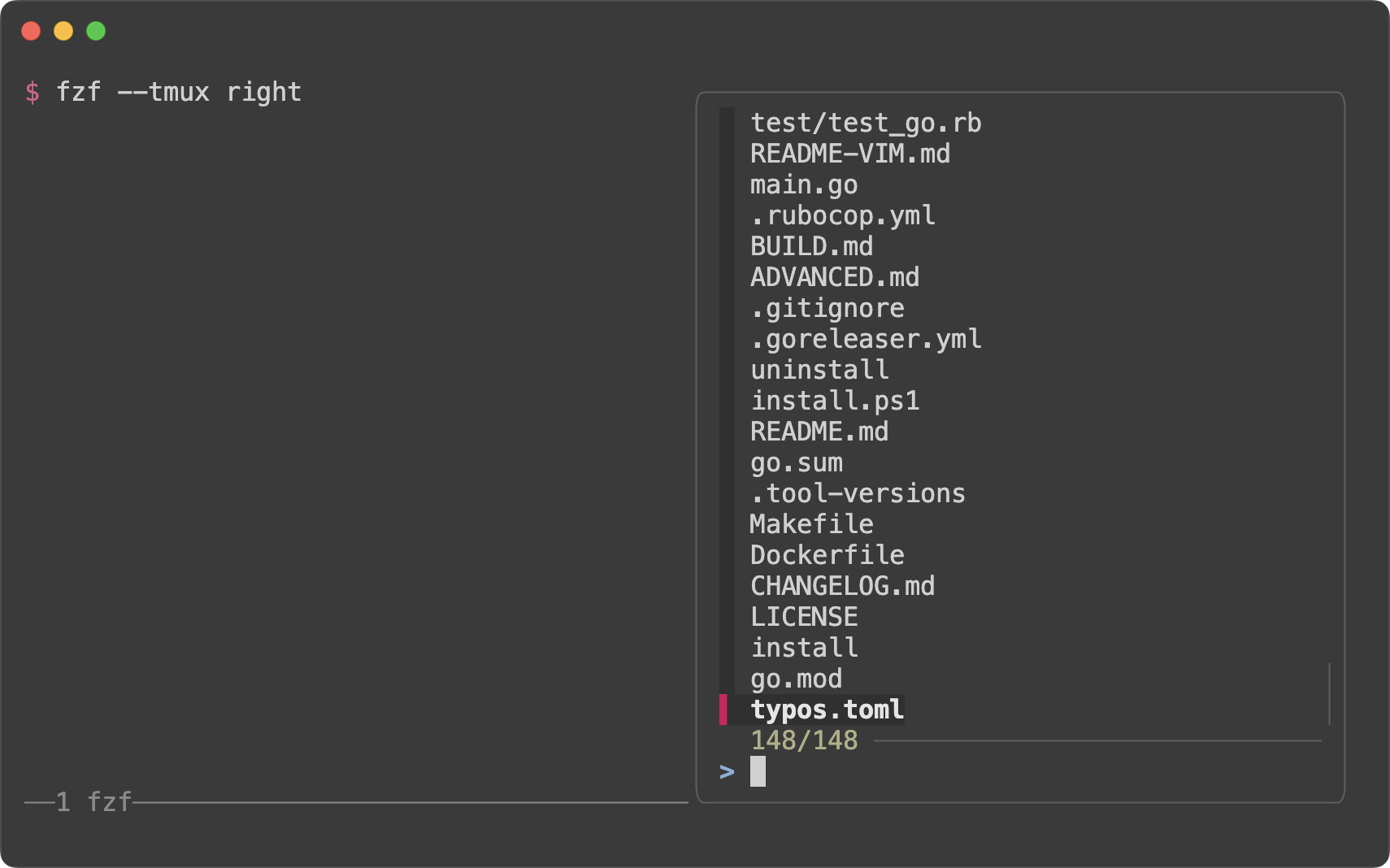 + +```sh +# On the left (40% width and 70% height) +fzf --tmux left,40%,70% ``` - +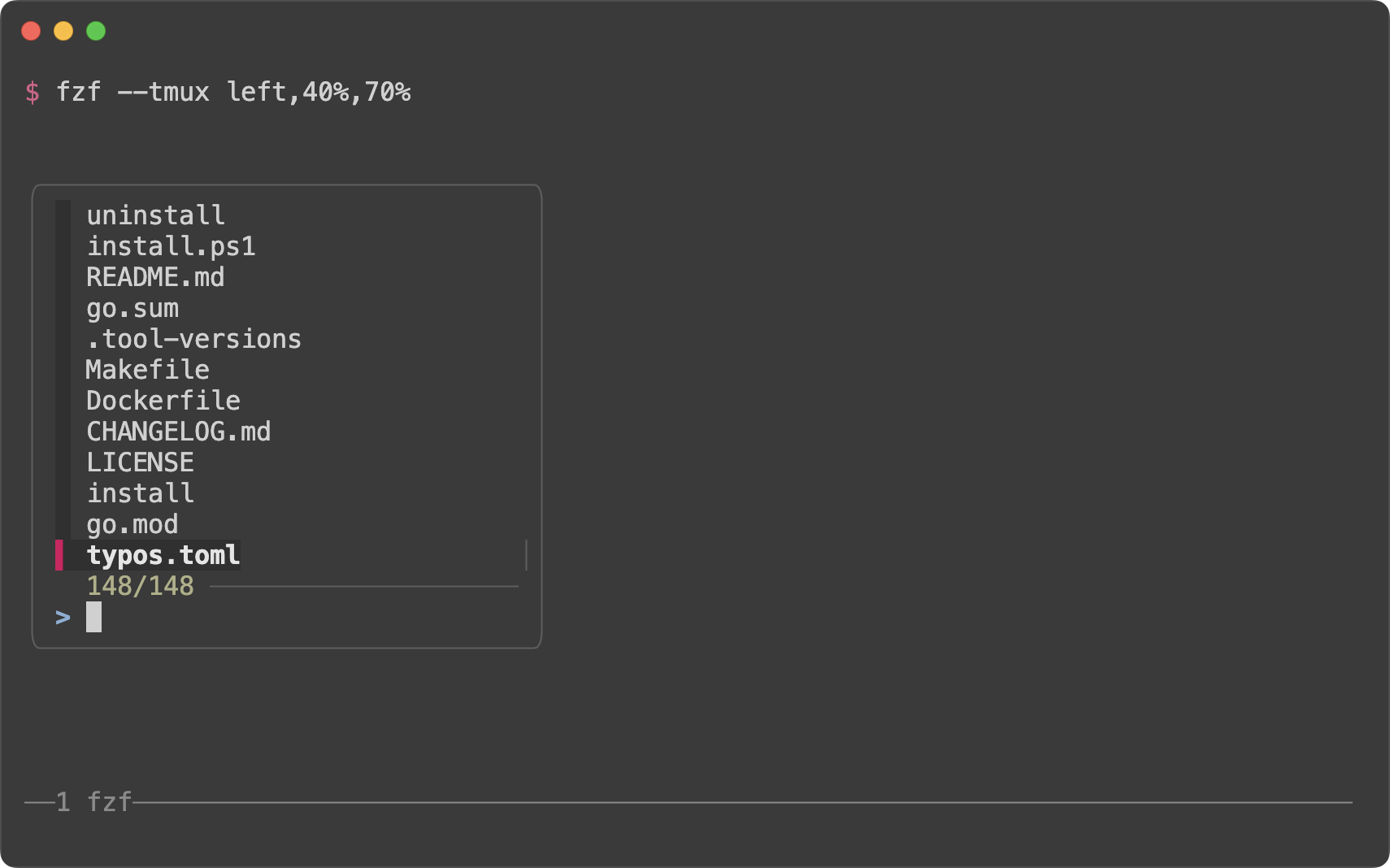 +> [!TIP] > You might also want to check out my tmux plugins which support this popup > window layout. > |